
Afina
Afina Browser: Isolated Profiles and Automation for Professional Teams
Affiliate teams, media buyers, e-commerce specialists, and automation professionals often work with many accounts, proxies, browser sessions, and repetitive actions. Afina Browser brings these processes into one workspace, helping users keep profiles separated, organize operations, and automate routine browser tasks.
What Is Afina Browser?
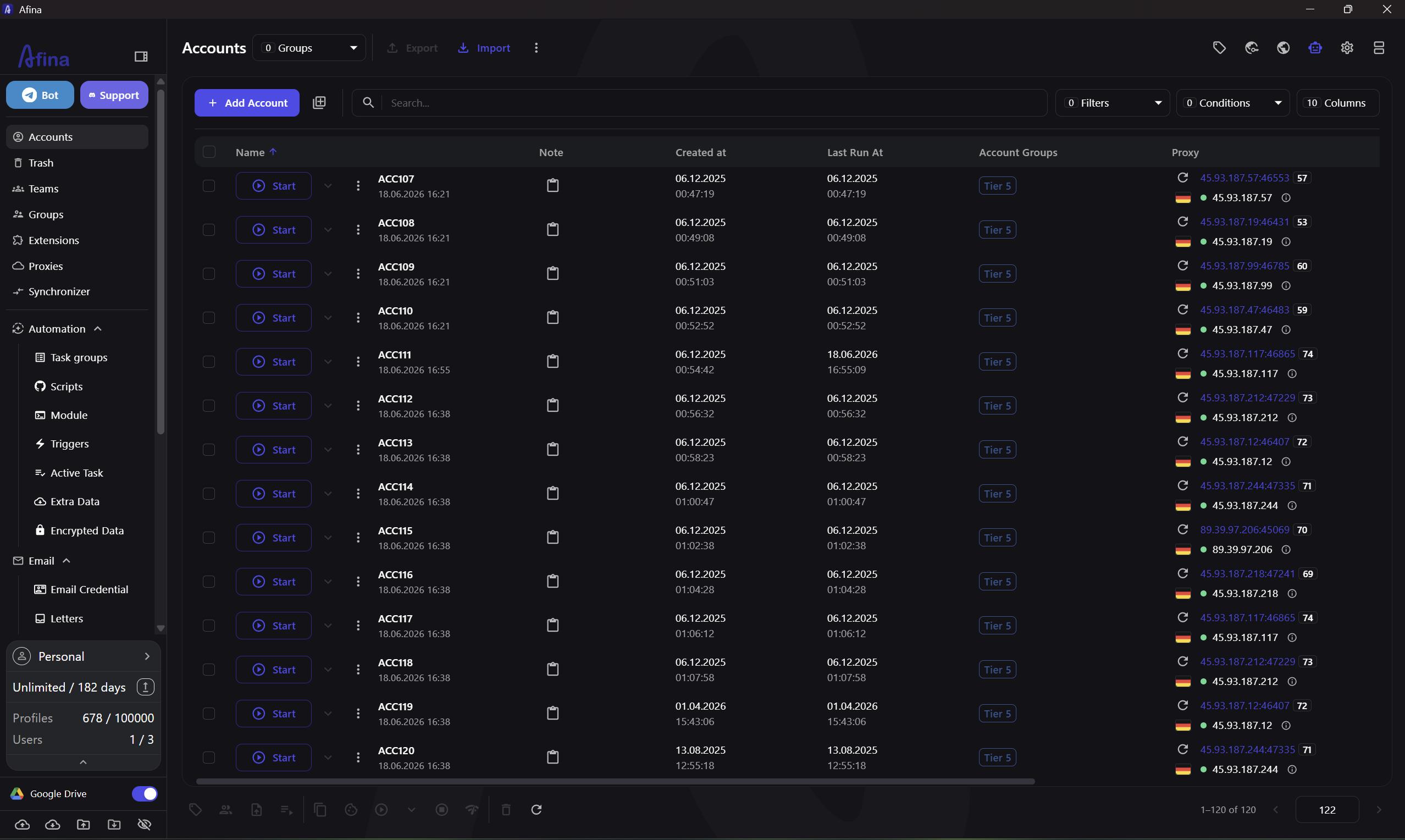
Afina is an antidetect browser and workspace for managing isolated browser profiles. Each profile keeps its own cookies, sessions, extensions, proxy settings, local data, and fingerprint parameters. This helps teams separate projects and accounts.
Isolated profiles and fingerprints
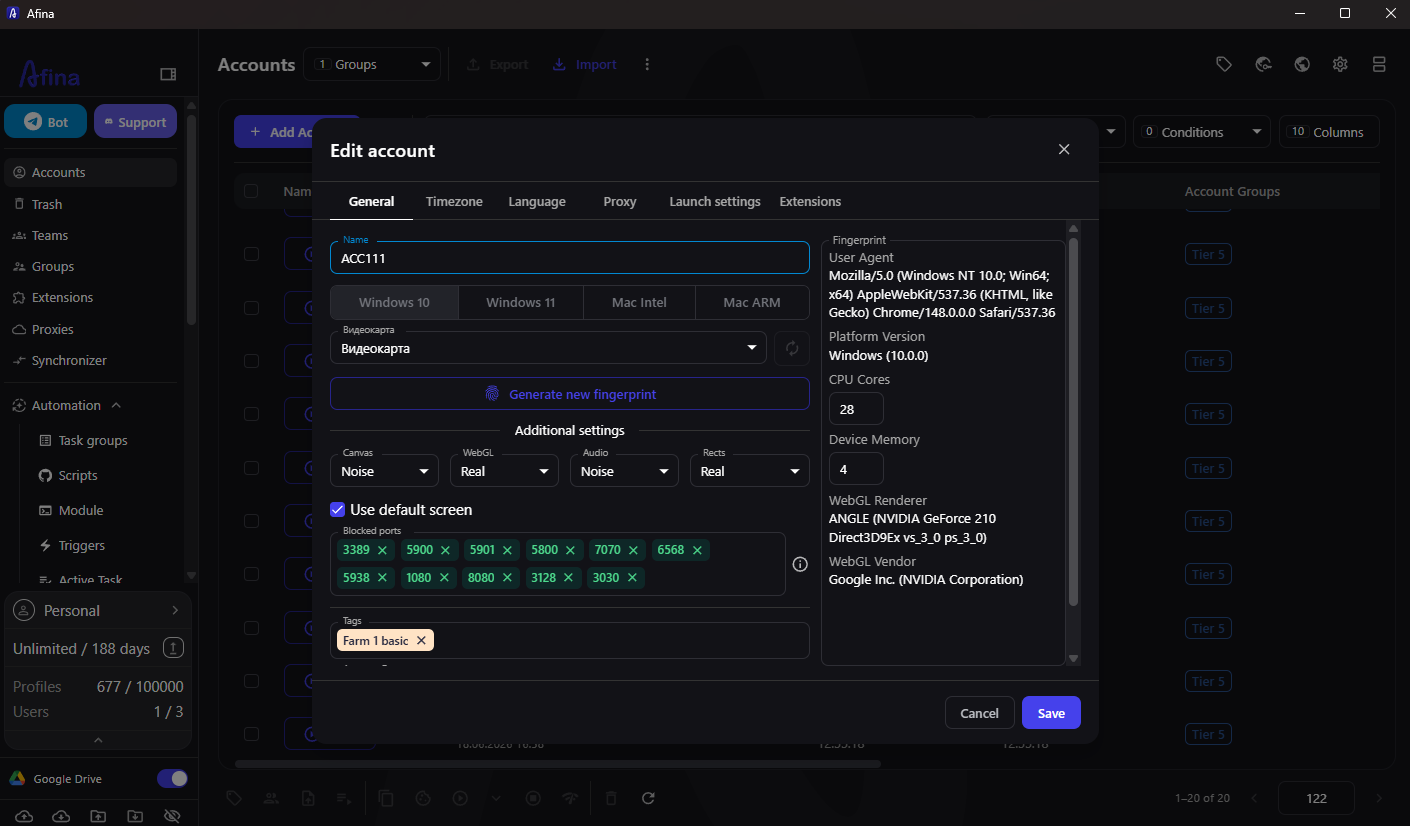
Afina supports control over Canvas, WebGL, Audio, fonts, language, timezone, and other browser parameters. Profiles can be grouped, tagged, filtered, duplicated, and imported.
Core Afina Features
The platform combines profile management, proxy tools, automation, and team organization in one interface.
| Feature | What it does | Practical value |
| Profile manager | Stores isolated sessions and settings | Keeps account environments separated |
| Proxy manager | Adds, checks, imports, and assigns proxies | Connects profiles to the correct network setup |
| Synchronizer | Mirrors actions across several open profiles | Speeds up repetitive manual work |
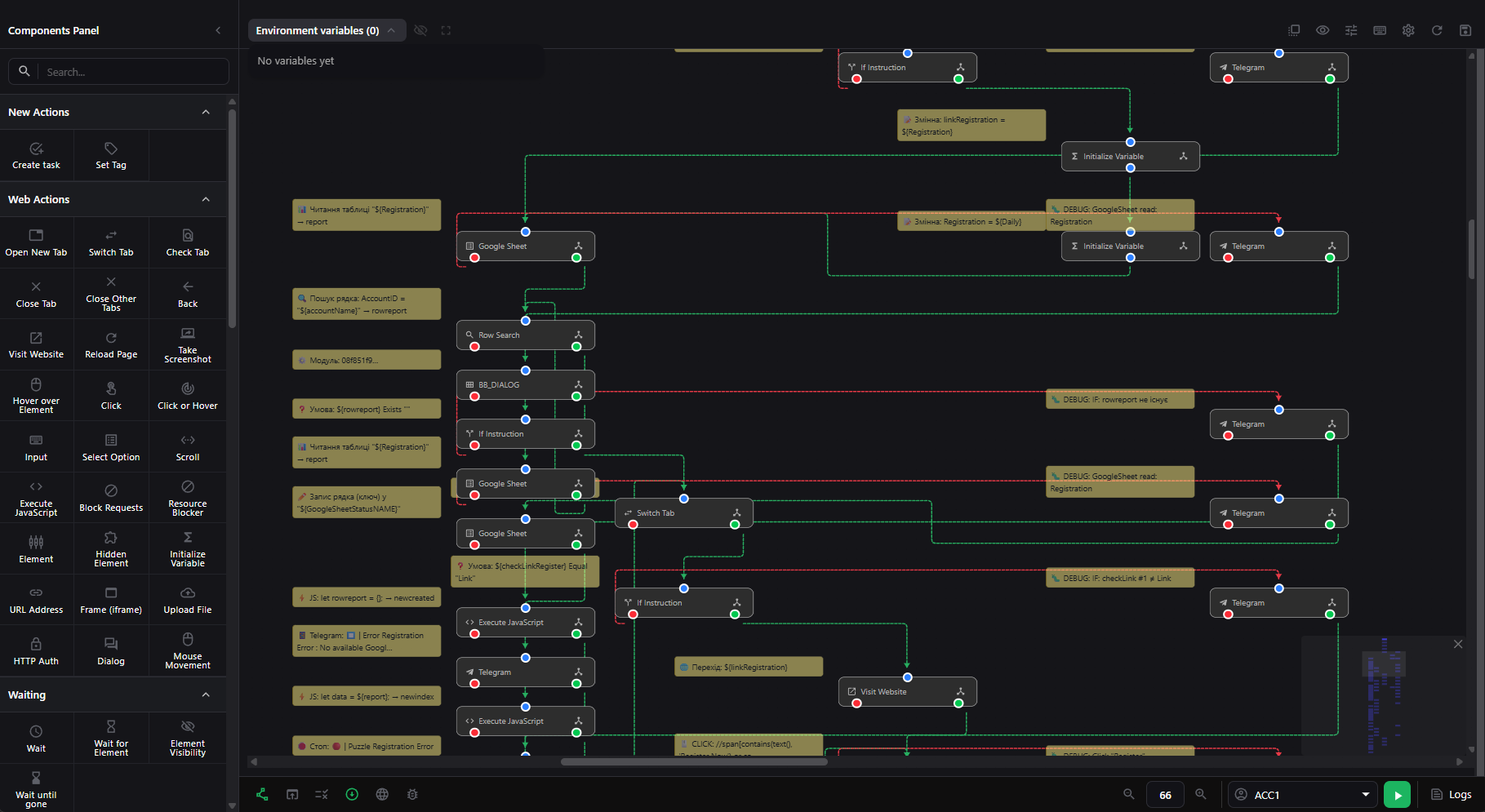
| Visual automation | Builds scripts from connected blocks | Automates actions without large codebases |
| Tasks and triggers | Schedules and launches workflows | Runs recurring processes consistently |
| API and MCP Server | Connects external systems and AI agents | Enables programmatic and natural-language control |
Automation at scale
Afina provides several tools for different levels of complexity:
- visual RPA scripts for clicks, text input, tabs, waits, and navigation
- reusable JavaScript modules for advanced logic
- triggers and tasks for scheduled or event-based launches
- active task monitoring for checking execution status
- MCP Server for creating profiles, scripts, modules, and tasks through an AI agent
Proxy and Network Control in Afina
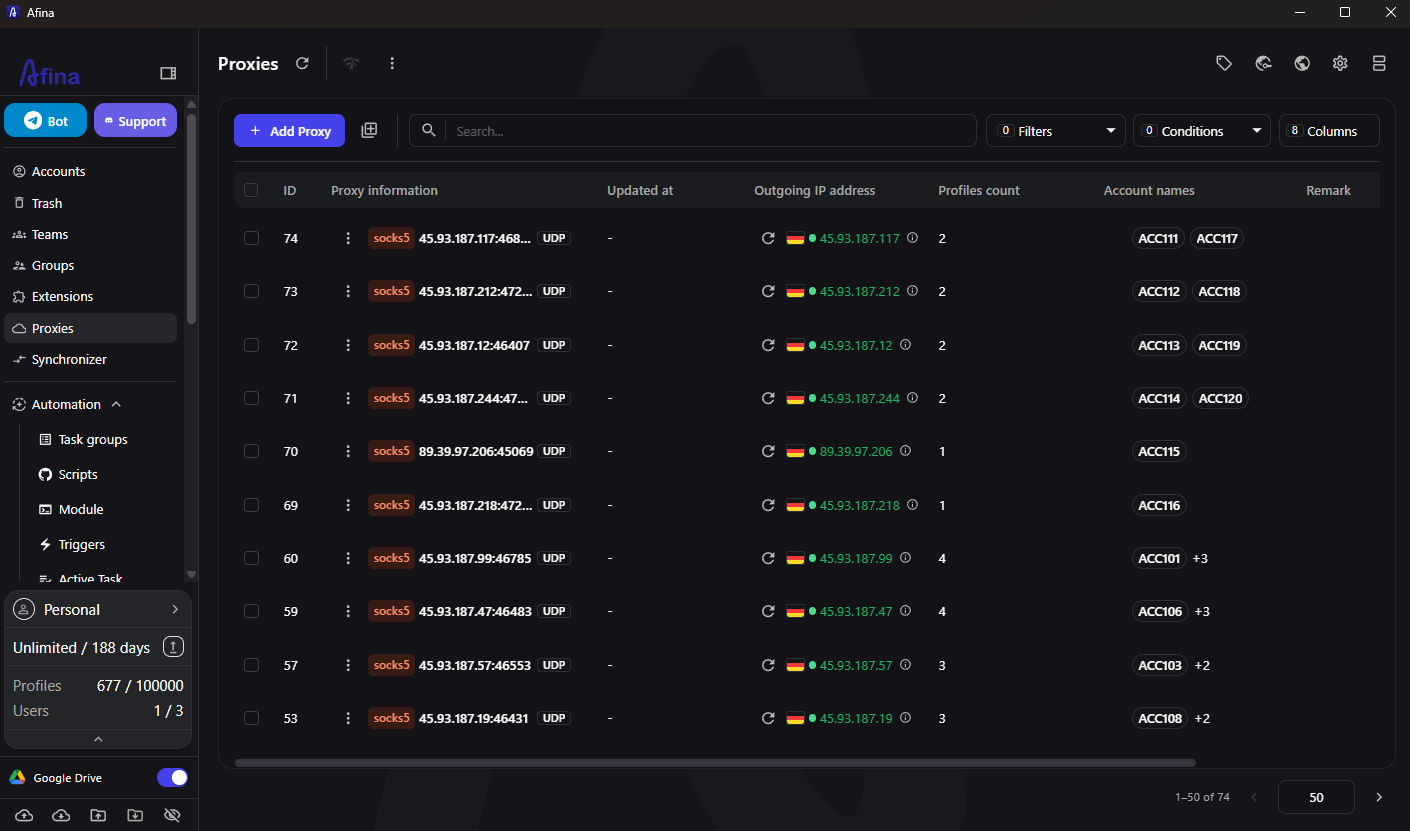
Afina supports HTTP(S) and SOCKS5 proxies. Compatible SOCKS5 proxies can also carry UDP traffic, which is relevant for QUIC and HTTP/3. A proxy can be assigned to a specific profile and checked before launch, helping users keep network settings aligned with the selected browser environment.
How Afina Complements Cloaking Master
Cloaking Master and Afina solve different parts of the same operational workflow. Cloaking Master focuses on traffic filtering and content protection, while Afina organizes browser profiles, proxies, sessions, and automated actions. They can be used in one operational stack.
For example, a media buying team can use Cloaking Master to manage traffic quality and Afina to separate account environments, assign proxies, prepare profiles, and automate repeatable browser tasks.
Security and Team Work
Profiles remain isolated from one another, while encrypted synchronization helps protect shared data. Teams can organize profiles with groups, tags, notes, and task structures, helping divide work between operators at scale.
Special Offers from Afina
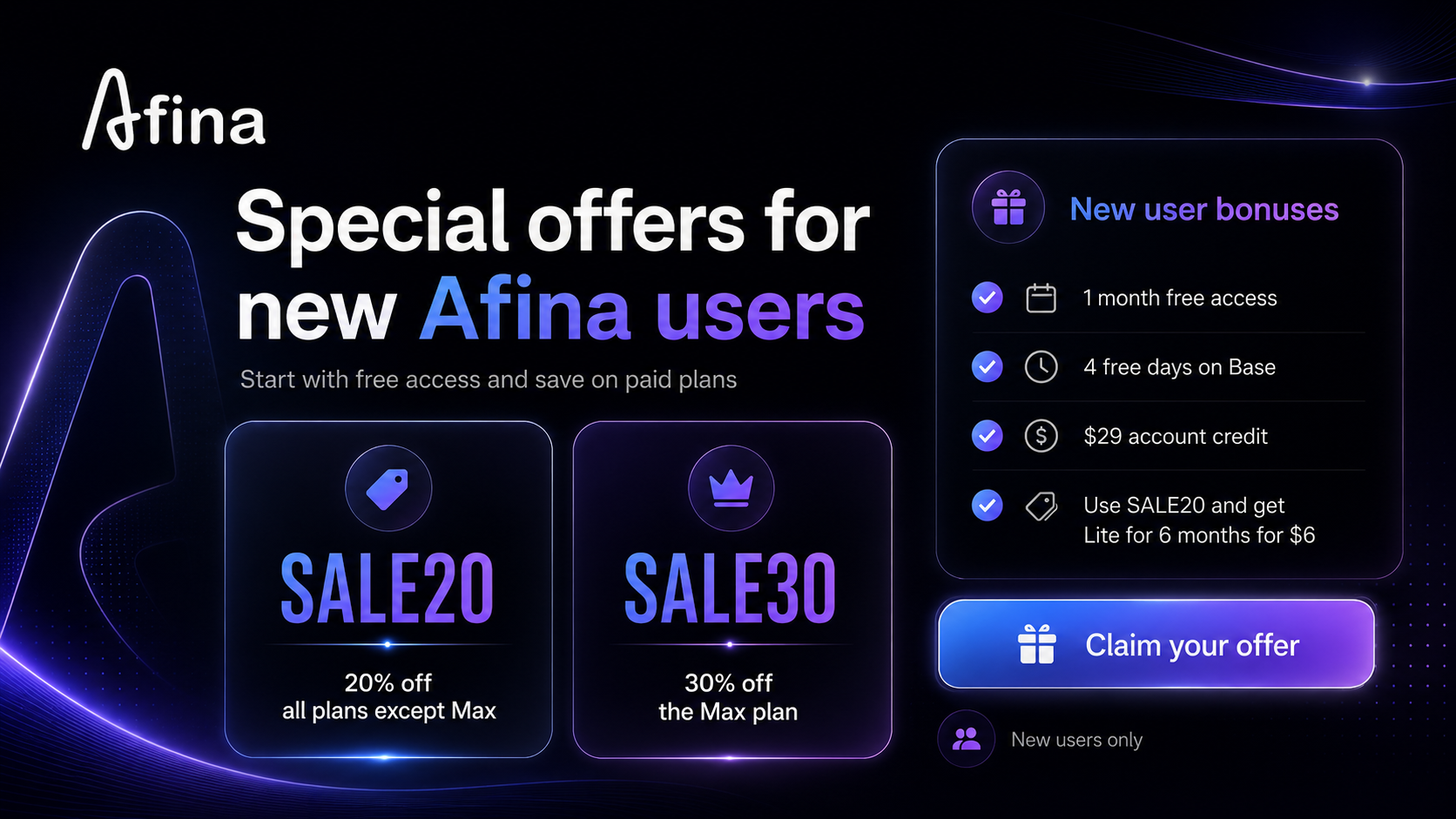
Afina currently provides two promo codes for paid subscriptions:
- SALE20: 20% discount on every plan except Max
- SALE30: 30% discount on the Max plan
Free Afina Options for New Users
New users can choose from the available onboarding offers:
1. Claim one month of Afina free through the special offer page: afina.io/uk/claim-afina/MYKYTA
2. Register a new account and receive four free days on the Base plan plus $29 in account credit
3. Apply SALE20 and use the credit to activate Lite for six months for only $6
The $29 credit promotion is available only to new users who have not previously claimed free Afina access.
Conclusion
Afina Browser combines isolated profiles, fingerprint controls, proxy management, visual automation, tasks, API access, MCP Server, and team tools in one workspace. For Cloaking Master users, it can serve as the browser operations layer for managing accounts and repeatable workflows alongside traffic quality management.